

The best eSIM for New York depends on your trip length and your phone — here is the pick for each kind of trip. There is no single winner, and any ranking that crowns one is selling you something. What matters is the network behind the plan, whether you need a hotspot, and whether your phone is an iPhone or an Android. Every provider verdict below comes from a tested review of New York users, not from a shop page. If you are still planning the trip itself, our How to Plan a Trip to New York City covers the route and the budget first — the eSIM is the part that makes the plan work once you land.
One thing to settle first: your phone is your New York toolkit — map, subway ticket, restaurant list and camera in one. The subway runs on OMNY, the tap-to-pay system, so the same device that holds your eSIM pays your fare. If your data fails at JFK, you are standing in an airport with no map, no ticket and no way to call your hotel.
Short Version: The Best eSIM for New York by Trip Type
If you want the answer in thirty seconds, here it is. A short weekend trip is best served by a small data pack from a provider with strong New York evidence — Nomad fits that shape. A full week suits an unlimited plan with a clear fair-use rule — Saily is the strongest fit there. Anyone working from cafés should pick the plan with an unrestricted hotspot, because a capped hotspot turns a workday into a dead plan. iPhone users have the widest choice; Android users should steer around the provider whose Android failures were reported at Newark and in Manhattan.
| Trip type | Best fit | Network behind it | Hotspot |
|---|---|---|---|
| Long weekend, 3–4 days | Nomad — small pack, strong NYC evidence | All three networks on one plan | Check the cap before you buy |
| Full week of sightseeing | Saily — unlimited, best app | T-Mobile / AT&T | Unrestricted |
| Working from cafés and hotels | Saily — hotspot is the deciding feature | T-Mobile / AT&T | Unrestricted |
| iPhone user | Airalo or Nomad | Multi-network | Varies by plan |
| Android user | Nomad or Saily | Multi-network | Varies by plan |
The rest of this guide explains why those picks land where they do, what can still go wrong, and how to set the whole thing up in ten minutes before you fly. Confirm current rates with the provider at booking — plan names, allowances and prices change, and a price quoted in any article is stale within weeks.
First, the Honest Truth: There Is No “New York eSIM”
Every plan sold for New York is a US plan. There is no separate New York eSIM from any provider, and no plan that only works in the five boroughs. One US plan covers Manhattan, Brooklyn, Queens, the Bronx and Staten Island, and it covers JFK, LaGuardia and Newark at no extra cost. What differs between providers is not the coverage map — it is the network behind the plan, the data allowance, the hotspot rules and the app you manage it with.
That matters because the three networks are not equal in New York. Opensignal’s July 2026 report, based on measurements from 1 April to 29 June 2026, put T-Mobile first for download speed at 192.5 Mbps, against 96.0 Mbps on AT&T and 89.4 Mbps on Verizon. T-Mobile won 12 of the report’s 16 awards and led 5G availability at 91.8%. Verizon won the coverage award with 9.7 out of 10, and AT&T’s users spent the most time connected to a network, at 99.6%.
So when a provider says its plan “works in New York”, ask which of those three networks it rides on. T-Mobile’s will feel fastest in central Manhattan; Verizon’s will hold on best at the edges — upstate day trips, the far end of a subway line. A plan that switches between all three, like Nomad’s, gets the best of each. The name on the eSIM matters far less than the towers underneath it.
The Three Networks Behind Every eSIM (and Which One Wins in Manhattan)
Three carriers own the towers in the United States: T-Mobile, AT&T and Verizon. That is the whole list now. T-Mobile completed its purchase of UScellular’s wireless operations on 1 August 2025, and the UScellular brand has been transitioning to T-Mobile in phases since — so any page still promising four networks is stale, and any plan still sold on the UScellular name is a leftover.
In Manhattan itself, the practical difference is speed against coverage. T-Mobile’s 192.5 Mbps average download in Opensignal’s July 2026 report is roughly double its rivals, and its 5G download of 247.4 Mbps is the fastest of the three. That shows up where it counts: maps loading instantly on a crowded Midtown pavement, photos uploading before you reach the next corner. AT&T’s 96.0 Mbps and Verizon’s 89.4 Mbps are both fast enough for everything a tourist does — the gap only bites when the network is busy.
And busy is the normal state of Manhattan. When a cell is crowded — Midtown at rush hour, the Times Square–42nd Street platforms, a stadium emptying out — roaming eSIM traffic is served after home customers. Your plan still works, but it can crawl while the locals stay fast. That is the one structural weakness of a travel eSIM, and it is why the network behind it matters: a plan on the fastest network has more headroom before deprioritisation starts to hurt.
Verizon’s case is coverage. Its 9.7 out of 10 coverage score in the same Opensignal report is the best of the three, and it shows up outside the city centre — on the ferry to Staten Island, on a day trip up the Hudson, in a basement restaurant in Brooklyn. If your trip includes days outside Manhattan, a Verizon-backed plan is the safer pick. If your trip is five days in Midtown and the Village, T-Mobile-backed is the faster one.
The Subway Test: Where Your Signal Lives and Where It Dies
The subway is where a New York eSIM earns its keep or fails in public. The system has 472 stations across 418 miles of underground track, and it is where your phone matters most — map, route, transfer and ticket. The honest picture: all underground stations have cellular service on all three networks, plus free Wi-Fi, but you lose data in most tunnels between stations. Your map loads on the platform, freezes in the tunnel, and comes back at the next stop.

The picture is improving, but only in patches, and only for one carrier so far. On 25 March 2026, AT&T and Boldyn Networks switched on cellular service in the 4/5 line tunnels between Bowling Green and Fulton Street, and on the Crosstown G line between Bedford-Nostrand Avenues and Hoyt-Schermerhorn Streets, following an earlier activation in the Joralemon Street tunnel. Combined, AT&T customers now have continuous coverage on the 4/5 lines between Borough Hall and Fulton Street and on the G line between Court Square and Hoyt-Schermerhorn Streets. Boldyn is continuing the rollout to 4/5/6 line segments north of 59th Street, and its network is built to support all carriers eventually — but today it is AT&T that is live in those tunnels. AT&T service in a tunnel does not mean T-Mobile or Verizon have the same tunnel covered: tunnel coverage is carrier-dependent and segment-dependent.
The practical rule does not change. Download your route and the MTA map before you go underground, screenshot the transfer, and treat the tunnel as a dead zone even if your carrier has lit up one segment of it. Your signal returns at the next station, and the free station Wi-Fi is there as a backup. And remember that your phone is also your ticket: OMNY, the tap-to-pay system, takes a contactless card or a phone at every turnstile, with a $3 fare per ride and a $35 weekly cap when you tap the same card or device. MetroCard sales ended on 1 January 2026, so the phone in your hand is the way in.
How Much Data a Week in New York Actually Uses
A typical tourist week in New York runs well under 10 GB for maps, messaging, photos and browsing. That is a rough guide from what other travellers report, not a measured figure — and the honest answer is that most people overbuy. The two things that push usage up are video and hotspot use. Everything else is small.
| What you do | Rough data use per day |
|---|---|
| Maps and navigation | Small — a few hundred MB at most |
| Messaging and photos | Small — well under 1 GB |
| Social media scrolling | Moderate — around 1–2 GB |
| Video streaming | Heavy — several GB per hour |
| Laptop hotspot | Heaviest — a workday can eat a whole pack |
Maps are the surprise. Navigation uses very little data — the map tiles are small, and a day of walking with Google Maps open uses a few hundred megabytes at most. Photos are the same: uploading a day’s worth of pictures to the cloud is well under a gigabyte. What eats data is video — an hour of streaming at full quality is several gigabytes — and a laptop tethered to your phone, which treats the connection like home broadband and burns through it accordingly.

Our NYC Weekend Itinerary is a walking-heavy two days — the bridge, the park, the neighbourhoods, the viewpoints — and it is exactly the kind of trip where the phone is in your hand all day. Even so, a 10 GB plan covers it comfortably, unless you are streaming video or tethering a laptop. Buy for the week you will actually have, not the week you imagine: a small pack with an easy top-up beats a huge pack you never use.
Data-Only or a US Number: Which One Do You Need?
Most travel eSIMs are data-only. They give you internet and nothing else — no US phone number, no calls, no texts. For most visitors that is enough, because the things you actually need a phone for in New York — maps, messages, tickets, restaurant bookings, ride-hailing — all run over data. WhatsApp and FaceTime handle the calls, and your home SIM stays active so people can still reach you on it.
A US number matters in a handful of specific cases: restaurant waitlists and delivery apps that text you, two-factor codes that will not go to a foreign number, and meeting people who call rather than message. Saily offers an optional US number as an add-on, and some Airalo plans include calls and texts — those are the two to look at if a number matters to you. For everyone else, data-only is cheaper, simpler, and one less thing to set up.
One setup point catches people out. When you install a travel eSIM, keep your home SIM active for calls and texts and set the eSIM as the line for mobile data. Get it backwards — the home SIM carrying data — and you will be roaming on your home carrier at its daily rate while the eSIM sits unused. Turn off data roaming on the home line before you land.
The Shortlist: Which Provider Fits Which Traveller
No single provider wins this. The verdicts below come from Vefru’s tested review, based on 125 reviews naming New York, its airports or its subway — tested findings, not independent verification, and other credible sources pick differently. Cybernews, which tested twelve providers, picked Saily as the best all-around. Treat the shortlist as a match to your trip, not a ranking.
For a short trip where you want the strongest New York evidence, Nomad is the fit. In Vefru’s review it had the best New York evidence of any provider: 80% of its 259 US reviewers were positive, with 5G reported in central Manhattan and signal in the subway, and its plans run on all three networks. The weakness is support, rated 2 out of 10 — so buy it before you fly and set it up at home.
For a full week, or for anyone who wants the best app and an optional US number, Saily is the fit. Its unlimited plan gives 5 GB a day at full speed before slowing to 1 Mbps, and its hotspot is unrestricted — the combination that matters for a long trip and for working from cafés. It also has the best app in Vefru’s test.
For unlimited data on a budget, with a catch, Holafly is the fit. Its plans are unlimited, but several Midtown reviewers found it slow, and its hotspot is capped at 500 MB a day — fine for a phone, useless for a laptop. Buy it if you never tether; skip it if you work from the phone.
For iPhone users, Airalo is a solid fit — it works well on iPhone, with plans that include calls and texts. On Android, avoid it: failures were reported at Newark and in Manhattan. Jetpac is the budget option with a warning: 81% of its 79 US reviews were positive, but it has a weak spot at JFK, which is exactly where you need it to work first.
For the cheapest plan in Vefru’s database, eSIM4Travel is the fit — it holds the top Vefru score at 8.8 out of 10. The trade-off is thin evidence: only 15 US reviews, and no app, which means no top-up without Wi-Fi. Yesim rounds out the list with unlimited data and hotspot on every plan, running on T-Mobile and AT&T. Confirm current rates with the provider at booking — every one of these plans changes its allowance and its price.
Installing Before You Fly: The 10-Minute Setup
Buy and install the eSIM before you leave home. That is the whole trick, and it is the difference between landing connected and landing stuck. The setup takes about ten minutes on home Wi-Fi.
First, check the phone. It must be carrier-unlocked and eSIM-capable: iPhone XS and XR from 2018 onwards, Samsung Galaxy S20 series onwards, and Google Pixel 3 onwards. Dial *#06# in the phone app — if an EID number appears alongside the IMEI, the phone has eSIM hardware. Exceptions worth knowing: iPhones sold in mainland China have no eSIM at all, whatever the model, and some US carrier-locked Galaxy S20 units shipped without it. US iPhones from the 14 onwards have no physical SIM tray, so an eSIM is the only way to add a line.
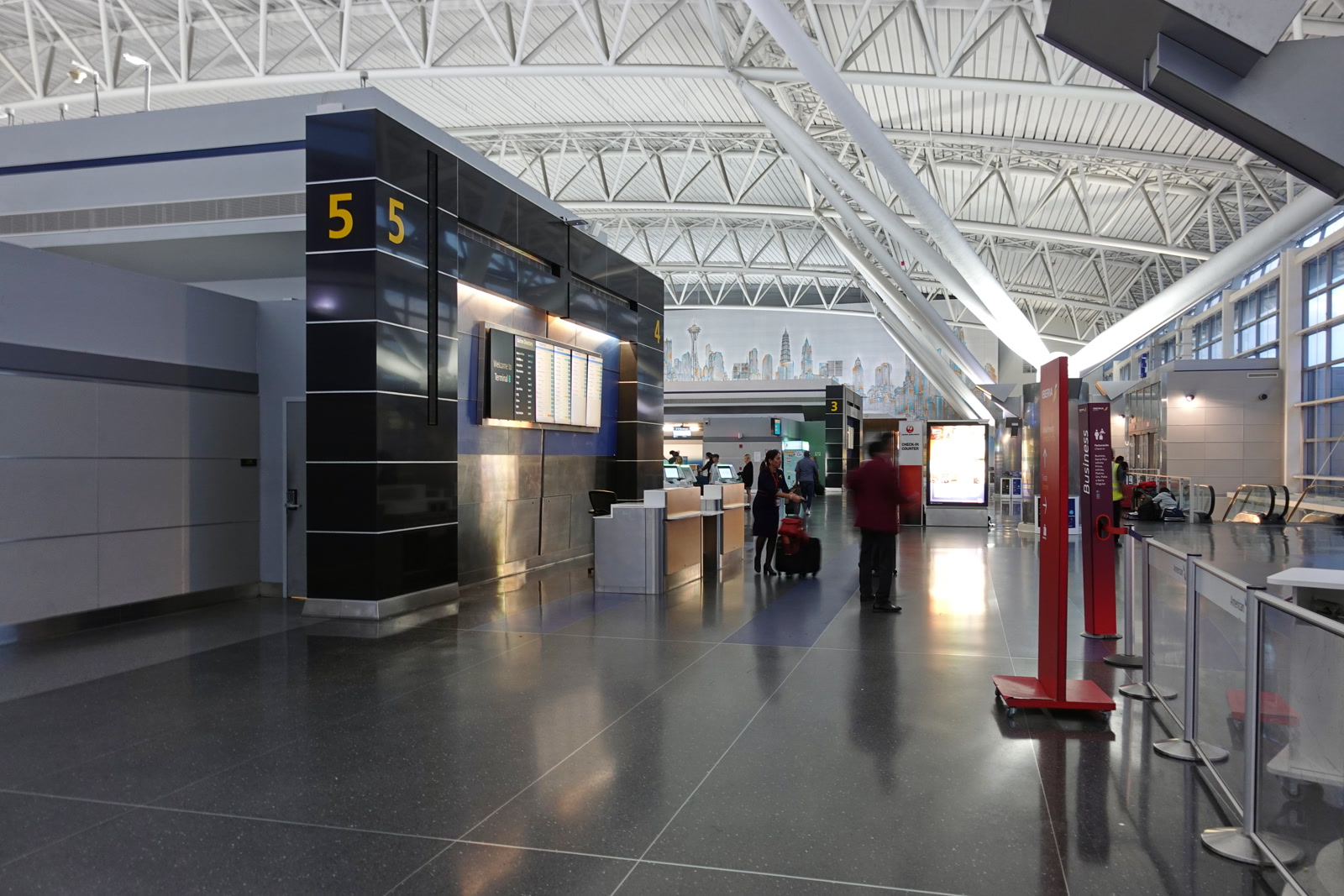
Then buy the plan, scan the QR code the provider sends, and let the phone install it. Name the eSIM something obvious — “New York” works — and set it as the mobile data line, with your home SIM kept for calls and texts. Turn off data roaming on the home line. Download the offline map of New York and your route for the first day. Then test it: turn off Wi-Fi, open a map, and confirm the eSIM is carrying data before you pack. If it works at home, it will work at JFK.
When It Goes Wrong at JFK: Fixes That Actually Work
Most eSIM problems at JFK are setup problems, not network problems, and they are fixable in minutes if you stay calm. Work through them in order.
First, restart the phone. It sounds too simple and it fixes more than half of arrival-day failures — the phone re-registers on the network and picks up the eSIM properly. Second, toggle airplane mode on and off, and wait a full minute. Third, check the eSIM is enabled and set as the data line — if the home SIM is still the data line, switch it. Fourth, check the APN settings if the provider gave you any; most eSIMs set this automatically, but a wrong APN is the classic cause of “bars but no internet”.
If none of that works, connect to the airport Wi-Fi and reinstall. Delete the eSIM profile, re-scan the QR code from the provider’s email or app, and install it again on the Wi-Fi. As a last resort, buy a physical SIM at the airport. It is overpriced and it is a queue, but it gets you moving, and a working phone on day one is worth more than the money saved by waiting. Buy from the fixed stands inside the terminal, not the touts in the arrivals hall.
The Traps to Skip: Airport Kiosks, Roaming and the Hotspot Cap
The traps in New York are not scams in the dramatic sense. They are ordinary bad deals, placed exactly where a tired traveller will say yes. The airport SIM kiosk is the first: the stands in the arrivals hall sell the same data you could have bought at home for far more, on a plan chosen for the seller’s margin rather than your trip. Buy before you fly, install on home Wi-Fi, and walk past the kiosks.

The second trap is home-carrier roaming. Most home carriers now sell a daily roaming pass, usually a daily fee in the $5–15 range for a limited allowance, and it feels like the easy option because nothing needs setting up. For a three-day trip it can be fine. For a week it costs more than an eSIM and gives you less, and it is the traffic that gets deprioritised first when the network is busy. If you roam, do it knowingly, for a short trip, and not because you forgot to buy the eSIM.
The third trap is the hotspot cap. An “unlimited” plan that caps the hotspot at 500 MB a day — Holafly’s cap — is unlimited for the phone and useless for a laptop, and the cap is buried in the fine print. The fourth trap is the daily fair-use rule: Saily’s unlimited gives 5 GB a day at full speed and then slows to 1 Mbps, fine for maps and messages, painful for video. And the fifth is the simplest: buying the eSIM at the airport without Wi-Fi. The QR code arrives by email and the install needs a connection. Buy at home, install at home, test at home.
Does an eSIM work in the NYC subway? Yes, in the stations — all underground stations have cellular service on all three networks, plus free Wi-Fi. In the tunnels, mostly not, except for the segments AT&T lit up in March 2026 on the 4/5 and G lines. Download your route before you go underground.
Do I need a US phone number? Not for most trips. Maps, messages, tickets and bookings all run over data, and WhatsApp and FaceTime handle calls. A US number helps for restaurant waitlists and delivery apps that text you — Saily offers one as an add-on.
How much data do I need for a week in New York? Well under 10 GB for a typical week of maps, messaging, photos and browsing. Video and laptop hotspot are what push usage up — if you stream or tether, buy the unlimited plan with the hotspot allowance to match.
Can I buy an eSIM at JFK? You can buy a physical SIM at the airport, but do not plan on it. Buy the eSIM before you fly, install it on home Wi-Fi, and test it before you pack. The airport is the worst place to set up a phone.
The short version, one last time: pick the plan by your trip type, not by the price on the shop page, install it at home, and test it before you pack. Do that and the phone disappears into the trip — maps when you need them, signal on the platform, and nothing to fix at JFK.